Grenton editor online: Lua with autocomplete, live checks and an AI assistant
OMP Studio is an independent browser editor for the Lua in Grenton .omp projects. It knows your objects, features and firmware. Write it yourself or ask an AI agent on your own computer. When you save, changes go back to the .omp file, ready for Object Manager.
Your .omp file stays on your machine. Scripts, the project index and editor data (room layout, myGrenton screens) sync to the cloud. system.xml and the project cipher key stay local.
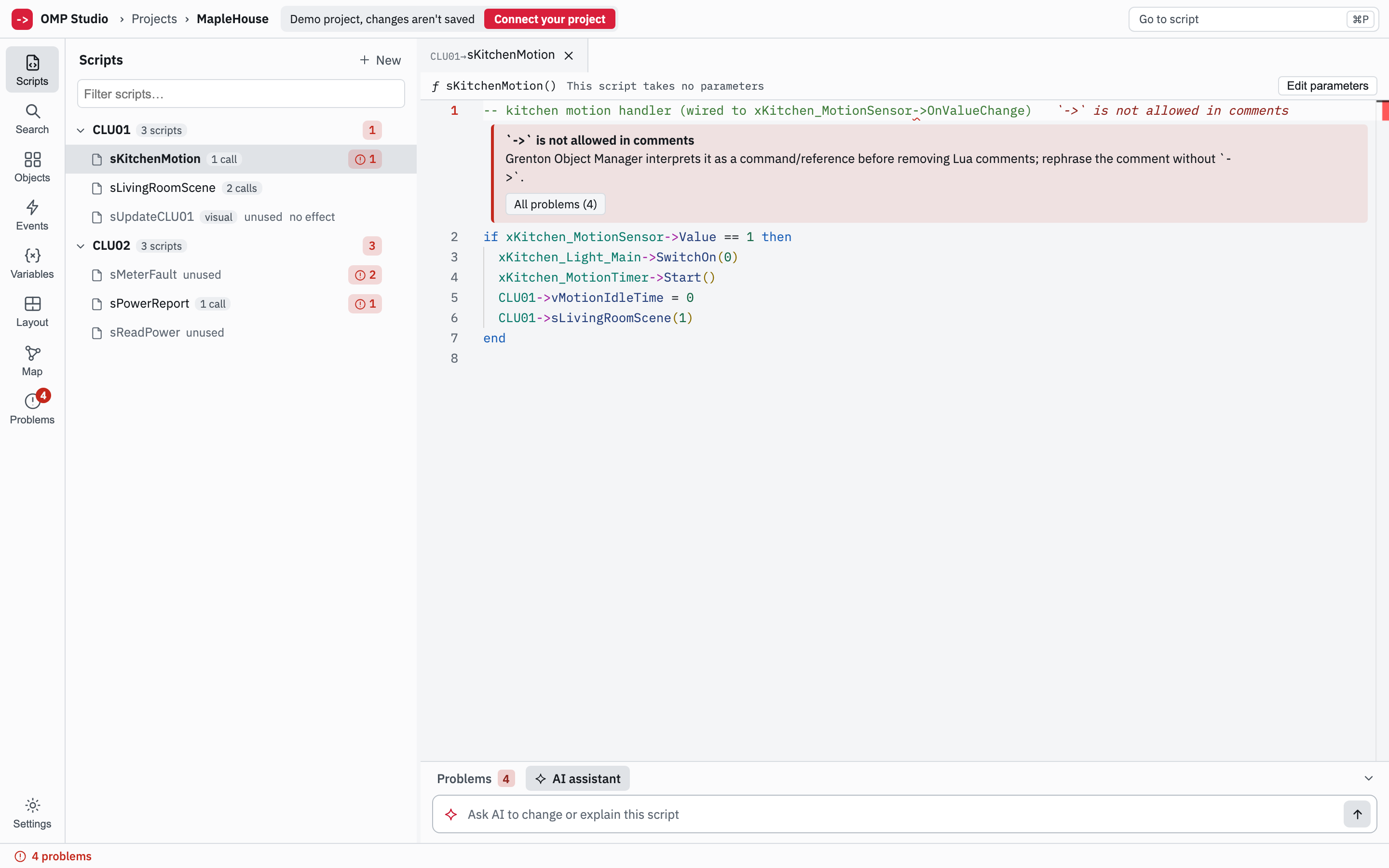
When motion is detected in the kitchen, turn on the light and start the timer
I changed sKitchenMotion: on motion the light turns on and the timer restarts. omps lint still flags "->" in a comment. Fix it?
A modern, friendly interface
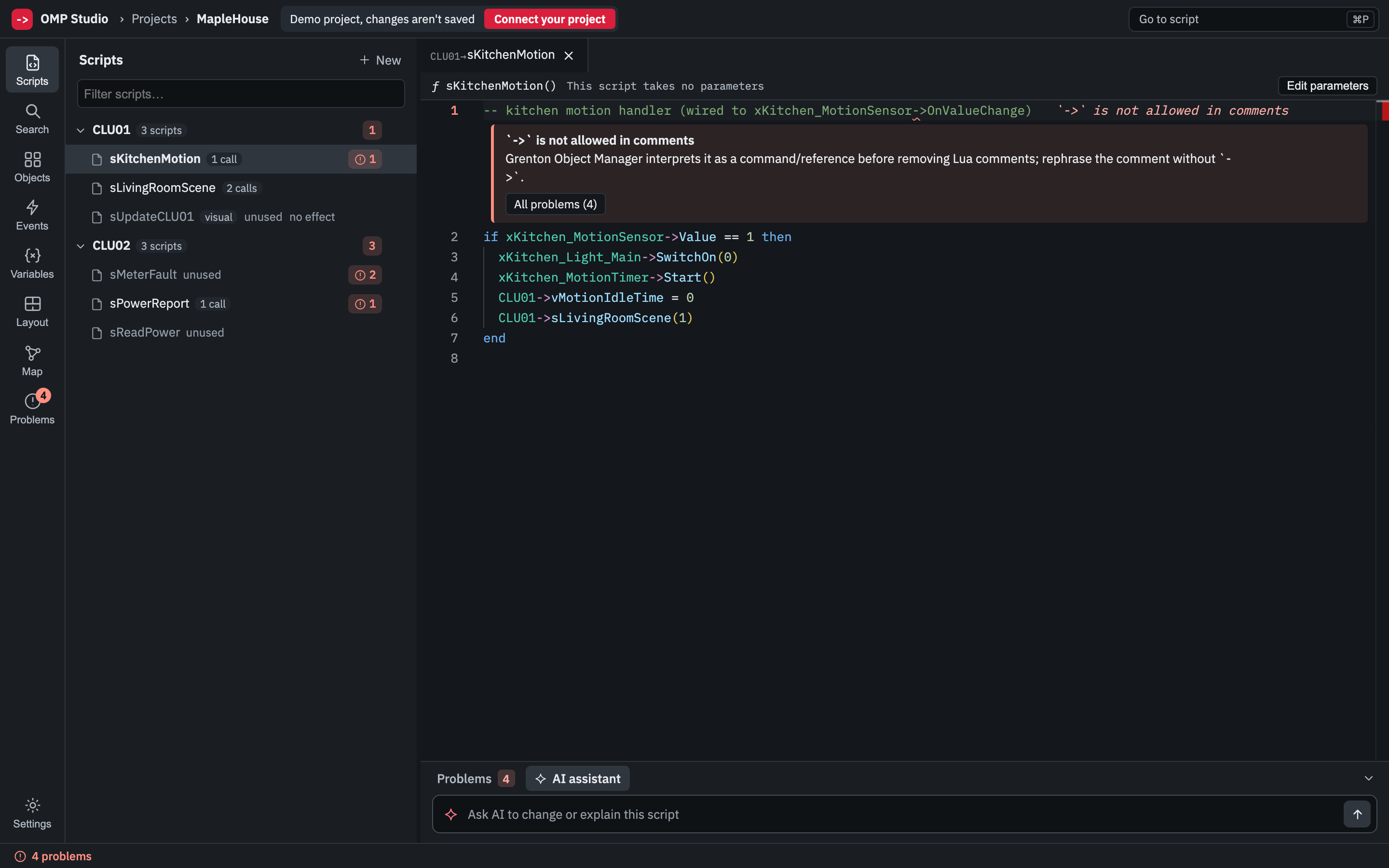
Tabs, quick jump to any script, light and dark themes, English and Polish.
Autocomplete from your project
Objects, features and methods from your project and the firmware of each CLU.
Errors show up right away
Unknown objects, writes to read-only features, problems across CLUs.
Call map and change history
Where a script is called from, and a local history of saved changes.
Connect your .omp
Run one command next to the project file.
Edit in the browser
Autocomplete and checks use your real project.
Send from Object Manager
Your deploy routine doesn't change.
Install
Pick one. On Windows you get a right-click entry for .omp files; npx connects the project straight away.
Windows
Paste once into PowerShell. No admin rights needed.
irm https://omp-studio.coderai.dev/install.ps1 | iexNode.js already installed
Run it next to your project file.
npx @omp-studio/omps MyProject.ompBring your own AI agent
The editor drives an agent on your own machine, under your own account, to write and fix the Lua in your project. Edits stream back live.
Read the Grenton and AI guide- Claude
- Codex
- opencode
- pi
What "online" means in this editor
The editor runs in your browser. The .omp file stays on your computer, and next to it runs omps, which unpacks the project into a local working copy. Scripts, the project index and editor data (room layout, myGrenton screens) sync to the cloud, while system.xml and the project cipher key stay local. While the terminal stays open, browser edits flow back into the .omp, and changes saved in Object Manager appear in the editor.
You need an internet connection, Node.js 20 or newer (the Windows installer brings its own) and Object Manager on the same computer, because its device catalog supplies the firmware data. The demo runs in the browser alone, with no installation and no project of your own.
Who it is for
The tool is built for installers and integrators who write a lot of Lua in Grenton projects. The editor flags unknown objects, writes to read-only features, semicolons, and local variables passed to another CLU. The Problems panel checks every script in the project, including the ones you never opened, and a call map shows where each script is started from.
The Grenton Lua guide covers syntax and common pitfalls. OMP Studio and Object Manager explains how the work is divided, and Grenton and AI covers coding agents.
Guides
Common questions
Do I need to install anything to see the editor?
No. The demo runs in the browser on a sample project. Working on your own .omp file takes the local omps program.
Does my .omp leave my computer?
Not as a file. Scripts, the project index and editor data (room layout, myGrenton screens) sync to the cloud. system.xml and the project cipher key stay local.
Do I still need Object Manager?
Yes. You send the project to your CLUs from Object Manager, as you do today.
Will the free plan stay?
Yes. For future users it may be limited to fewer installations.